


OpenCart extensions for faster and easy to manage online store
OpenCart Extensions Built for Real Stores: Introducing the Webolie Digital Market
Most OpenCart stores don't need more features. They need the right ones: an image format that loads fast, a cookie banner that actually blocks tracking until a visitor agrees, product safety information the EU now requires, and an admin that doesn't make you click through three screens to find one product. That's why we opened the Webolie Digital Market, our own store of OpenCart extensions, each built to solve a problem we kept running into on client projects.
Main aspects: GDPR cookie consent that actually blocks tracking | GPSR: product safety information on every product page | Which OpenCart versions do the extensions support? | Do the extensions modify OpenCart core files? | Will the extensions work with my theme? | Are there free OpenCart extensions in the store? | Can Webolie build a custom OpenCart extension for my store?
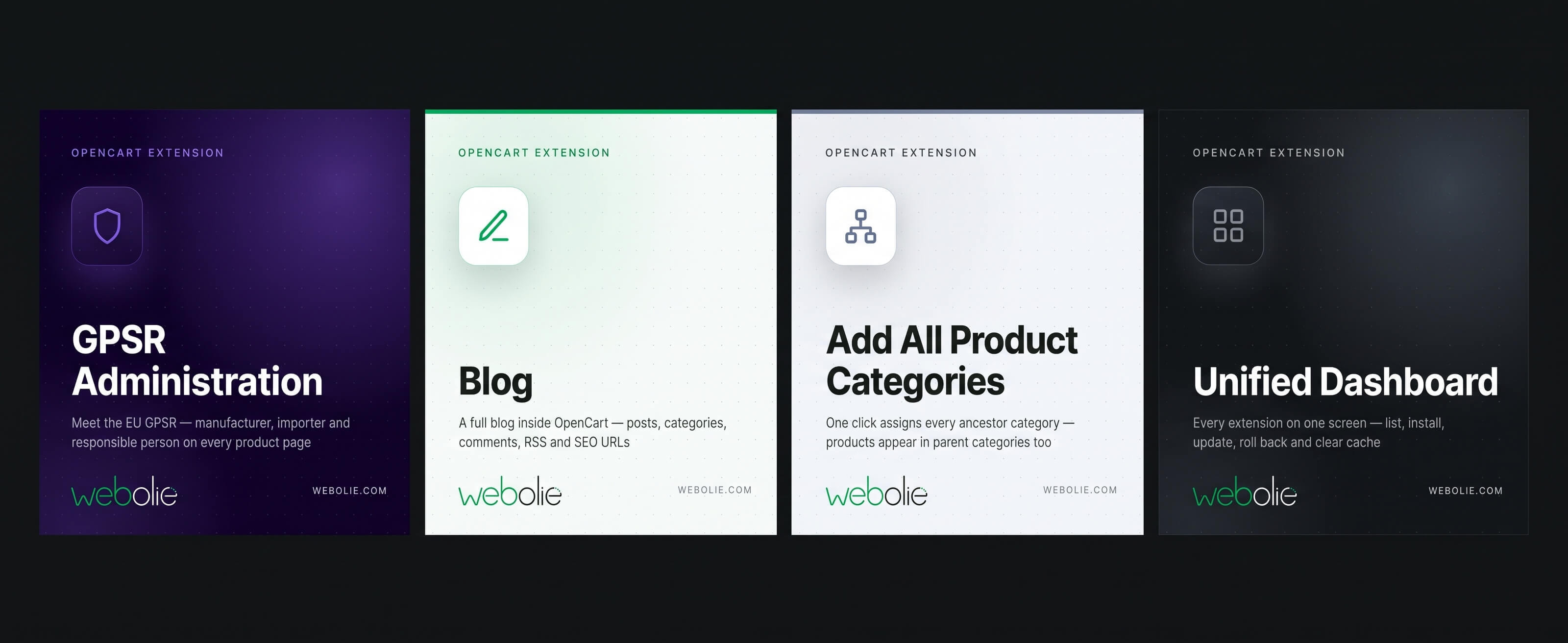
This guide goes through the catalogue by the problem each group of extensions solves. You'll find what's worth installing first, which extensions combine well, and where the free ones fit in.
Why we built our own OpenCart extensions
Webolie builds and maintains online stores, CRMs and custom web applications for clients across Europe. On OpenCart projects, we kept writing the same fixes: SEO URLs for Cyrillic product names, discount rules core OpenCart can't express, GPSR fields that don't exist, and admin lists you can't filter by category.
Each fix started on a live client store. Once a fix had proven itself on production traffic, we turned it into a standalone extension with its own settings screen, documentation and clean uninstall. The Digital Market is where those extensions now live.
Three principles run through the whole catalogue:
- Minimal core edits. Wherever OpenCart's event system can do the job, we use it instead of rewriting core files. Fewer core edits mean fewer conflicts with your theme and other extensions.
- Nothing changes until you switch it on. Installing an extension doesn't alter your storefront. You configure it and enable it when you're ready.
- Clean uninstall. Removing an extension removes its events and its database tables.
SEO, metadata and performance extensions
The problem: out of the box, OpenCart gives search engines and social networks very little to work with. It has no structured data, no social preview tags and no modern image formats, and it leaves SEO URLs empty unless someone types every one by hand.
- Structured Data JSON-LD adds WebSite, Organization, BreadcrumbList, Product and CollectionPage schema to your store, the markup Google uses for rich results with price, availability and breadcrumbs.
- WebP / AVIF Images serves your image cache as WebP or AVIF to browsers that support them. WebP is typically 25–35% smaller than JPEG. Your original uploads are never modified, so switching back costs nothing but a cache rebuild.
- Auto Catalog SEO URL generates SEO keywords for products, categories, manufacturers and information pages whenever the field is left empty, with transliteration for non-Latin alphabets.
On a budget? Three free extensions cover the basics: Simple JSON-LD for Products, Simple Open Graph Metadata for Facebook, LinkedIn and WhatsApp previews, and Simple Twitter (X) Card Metadata.
Browse all SEO, metadata and performance extensions →
Compliance: GDPR cookie consent and EU GPSR
The problem: two EU regulations hit online stores directly, and OpenCart handles neither out of the box.
GDPR cookie consent that actually blocks tracking
A cookie banner that doesn't block your analytics until the visitor agrees is just decoration, and regulators treat it that way. Cookie Consent and Analytics handles both sides in one extension:
- A fully configurable consent banner and preferences dialog, with equal-weight Accept and Reject buttons, consent categories, and per-language text
- Ten analytics integrations (Google Analytics, Tag Manager, Google Ads, Meta Pixel, TikTok, Pinterest, Microsoft Clarity, Hotjar and more), each loaded only after the visitor consents to its category
- Google Consent Mode, browser- and server-side ecommerce event tracking, iframe blocking and a consent log
- Consent revisions, so a change to your privacy policy asks existing visitors again
GPSR: product safety information on every product page
Since December 2024, the EU General Product Safety Regulation has required products sold into the EU to show the manufacturer, the EU-based responsible person and, for goods made outside the EU, the importer. OpenCart has no field for any of it. GPSR Administration adds the whole data model:
- Central lists of manufacturers, importers and responsible persons. You enter each one once and reuse it across products.
- A GPSR tab on the product form for safety warnings and instructions in every language
- CE, EU-based and age-restriction badges
- Automatic display on the product page, as a tab or a block
Browse compliance extensions →
Pricing and discount extensions
The problem: OpenCart's specials and quantity discounts are set product by product. Running "15% off brand X for wholesale customers in March" means editing hundreds of products, then editing them all back.
Product Group Discounts replaces that with rules. One rule targets a store, manufacturer, category, product list or customer group, with priority and start and end dates. Pair it with the free Disable Product Special Price and your rules become the single source of promotional pricing.
Two related extensions round out pricing. Live Price updates the product-page price as customers change options and quantity. Units of Measurement adds price suffixes like "€3 / sq.m" for flooring, fabric or building materials.
Storefront features
The problem: the default storefront is functional but thin. It has no blog, no product badges and nowhere to show testimonials, and its stock messages are easy to miss. This is the largest category in the store. Here are the extensions most stores install first:
- Blog is a full content system inside OpenCart, with posts, categories, authors, tags, comments, revisions, SEO URLs, RSS, a sitemap and ten layout modules. It's built for content marketing that links straight to your products.
- Product Labels adds rule-driven badges and ribbons like "New", "Sale" and "Free shipping" over product images, with scheduling and full styling control.
- Reviews and Testimonials brings manual testimonials, Google Business reviews and Trustpilot reviews into one moderated list. Imported reviews stay hidden until you approve them.
- Filters lets shoppers filter product listings by price, category, manufacturer, attribute, option and stock.
- Product Stock Status Alert turns a plain "2–3 Days" into a styled message like "Ships in 3–5 days" or "Last pieces", with its own content for each stock status.
- Newsletter adds lists, signup forms, popups, opt-in at checkout and registration, welcome emails and statistics.
The category also includes carousels, scheduled banners, notice bars, category blocks and a public file library for manuals and datasheets.
Browse all storefront features →
Catalogue export: a PDF catalogue from live data
The problem: trade customers, showrooms and sales reps still want a PDF. Building one by hand means exporting products, laying them out and starting over every time prices change.
PDF Catalog generates it from your store in a few clicks. You can filter by store, category, manufacturer, stock status or a hand-picked product list, in any language and currency, with seven page designs and a preview before you generate.
Admin usability: save time in the back office
The problem: small gaps in the OpenCart admin cost minutes every day. You can't filter products by category or orders by store, the Save button sits at the top of a long form, and core features you don't use can't be switched off.
- Filter Products by Category and Filter Orders by Store add the filters and columns the admin lists should have had from the start.
- Admin Form Buttons repeats Save and Back below every admin form.
- Add All Product Categories assigns every parent category to a product in one click.
- A set of free switches lets you turn affiliates or product compare off, remove the "Powered by OpenCart" credit, add an ID column to the product list, and fix the "not allowed to be written to" error in the extension installer.
Browse admin usability extensions →
Developer tools
These are for development and staging stores, not production. Log DB Queries (free) logs every SQL query for a request, with timings and repeat counts, so you can find the query that slows a page down. Delete Data clears catalogue, sales, files, cache and logs in bulk, so you can reset a test store or hand over a clean one.
Language packs
Selling in Bulgaria? Our Bulgarian Language Bundle translates the admin panel, the storefront, and popular third-party extensions, themes and Bulgarian payment and shipping providers. Each part is also sold separately.
For developers and agencies: how the extensions are built
If you install extensions on client stores, how an extension is built matters as much as what it does. Here's what you can expect:
- Event-driven first. Storefront behaviour hooks into OpenCart's event system. Several extensions add their output after a view renders, so they don't touch your templates and work with commercial themes.
- Marked OCMOD edits. When a core or theme file does need a patch, every changed line carries a comment with the extension's name, so you always know who changed what.
- Upgrade-safe. Opening an extension's settings page refreshes its events, permissions and database columns. An upgrade never needs a reinstall that would wipe your settings.
- Consistent conventions. Every extension uses the same naming, file layout and settings structure, so learning one helps you with all of them.
Where to start
| If you need to… | Start with |
|---|---|
| Meet EU GPSR requirements | GPSR Administration |
| Run GDPR-compliant analytics | Cookie Consent and Analytics |
| Win rich results in Google | Structured Data JSON-LD |
| Make pages load faster | WebP / AVIF Images |
| Run promotions without editing products | Product Group Discounts |
| Start content marketing | Blog |
| Try before you spend | The free extensions in Admin Usability and SEO |
Need something the catalogue doesn't cover?
Every extension in the market started as a custom job for a client. If your store needs an integration, a workflow or a feature that doesn't exist yet, that's the work we do every day. Tell us about your project. If it's useful to other stores too, it may become the next extension in the market.
Explore all OpenCart extensions in the Webolie Digital Market →
Frequently asked questions
Which OpenCart versions do the extensions support?
Each product page lists the OpenCart versions that extension supports. Some extensions are already available for OpenCart 4, and more are on the way.
Do the extensions modify OpenCart core files?
As little as possible. Most behaviour runs through OpenCart's event system. Where a file does need a patch, it's applied with OCMOD and every changed line is marked with the extension's name. Several extensions, including GPSR Administration and PDF Catalog, patch nothing at all.
Will the extensions work with my theme?
Extensions that add their output through events work with most themes, including commercial ones. Extensions that change theme templates target the default template structure. Check the product page for compatibility notes, or contact us before buying.
Are there free OpenCart extensions in the store?
Yes. Several extensions are free, including the product structured data, Open Graph and Twitter (X) card extensions, the DB query logger and most of the admin switches.
Can Webolie build a custom OpenCart extension for my store?
Yes. Custom development is our core business, and the whole market grew out of it. Get in touch with a short description of what you need.
Don't know where to start from? Schedule an appointment!
If you are not sure where to start, feel free to drop us a message and we will schedule an appointment with you to help find the best-suited service for your specific case.
Did not found what you were looking for?
Get in touch and we will be glad to discuss your needs and propose a personalized solution that fits you best!
Get in touch